prompt topic
Claude animation prompts
Answer in brief
A Claude animation prompt should give the motion as numbers and ask for every number to be kept in one named object at the top of the file. Claude reads and writes code; it does not watch your animation play at speed. You are the one who sees it, and you will be tuning values, so they need to be in one place.
Ask for a slow mode as well: a URL switch that runs everything five times slower. It turns "something is off" into "the third word starts before the second has landed", which is a correction Claude can act on.
Write the motion as a sequence
Say what is on screen before anything moves, then each beat in order: what moves, how far, for how long, with which easing, and how long after the previous beat. Give distances in px or em and times in seconds. "Smooth" and "snappy" are not instructions. "0.7s, cubic-bezier(0.2, 0.8, 0.2, 1), 0.06s between words" is.
Say what must not happen: no layout shift, no replay on scroll, no movement under reduced motion.
Keep the numbers where you can reach them
Ask for one object, called TIMING or similar, holding every duration, delay, distance and easing. Then a correction is a one-line message: "TIMING.stagger 0.06 to 0.09". Without it the same value is repeated in a stylesheet, a component and a keyframe, and Claude changes two of the three.
Correct by what you saw, in order
After a run in slow mode, describe the fault by beat and by time: which element, when, and what it did. If you can, record the screen, take two or three still frames and put them in the project folder for Claude Code to read. Ask it to say back what it thinks is wrong before it changes anything. For effects that need a shader or physics, starting from a finished one is quicker than converging on it by correction.
What a Claude animation prompt should contain
- The files it may touch, and no others.
- The resting picture before and after the motion.
- Each beat: element, distance, duration, easing, delay.
- One TIMING object for every number.
- A slow mode behind a URL switch.
- Limits: plays once, no layout shift, reduced-motion and phone versions.
A prompt to start from
Add one animation to this project: a staggered headline reveal in the hero. Touch only src/components/HeroTitle.tsx and its CSS file.

What happens: on load the headline "[your headline]" is hidden. Each word rises 0.9em from behind a clipped line and settles, one after another, left to right. Then a 2px underline draws under the last word, left to right.

Numbers:
- Per word: 0.7s, cubic-bezier(0.2, 0.8, 0.2, 1).
- Delay between words: 0.06s. Start 0.15s after the fonts are ready.
- Underline: 0.5s, starting 0.1s after the last word lands, colour #e2502d.
- Headline: [typeface], 104px desktop / 46px phone, line-height 1, colour #15140f on #f4f1ea.

How to build it: Vite + React + TypeScript and plain CSS. Split the text into words in the component; wrap each in a span with overflow hidden and animate an inner span with transform only. CSS keyframes, with the delay passed in a custom property. No animation library. Keep the full sentence in an aria-label so a screen reader gets it once.

Put every number above in one object at the top of the file, named TIMING, so I can tune it without reading the rest.

Add a debug switch: with ?slow=1 in the URL, everything runs 5 times slower.

It plays once, never on scroll, and must not shift the layout: reserve the headline's final height before it starts.

Phones: the same motion, but the rise is 0.6em and the delay 0.04s. With prefers-reduced-motion, show the finished headline and underline at once, with no movement.

Run it. Load the page with ?slow=1, check that no word is clipped at rest, and tell me the total duration the numbers predict.
Written for this page as a starting point; swap the parts in [brackets] for your own. The full prompt of each uberdesigner template is longer and specific to one finished design, and it is tested by rebuilding the template from the prompt alone.
Motion and effects to start from
Finished effects on uberdesigner: a theme switch, a cursor, a slider, a button, a receipt, a particle cube and two hero sections. receipt study, easylog and lucid are free; the others are Pro. Their prompts carry the timings and the physics already tuned.
-
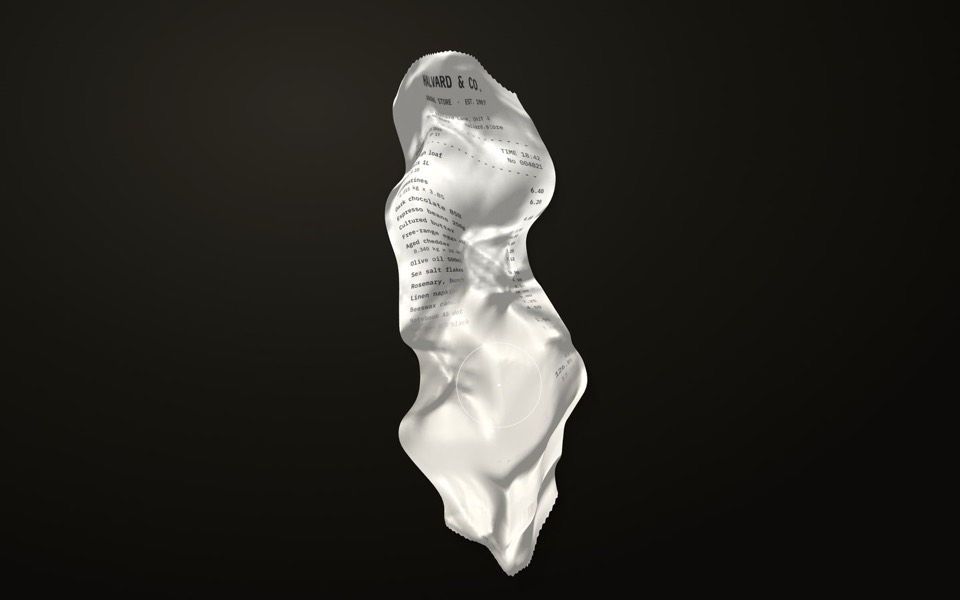
receipt study
A crumpled shop receipt on a dark desk: drag to smooth it out, scroll to read it, hold to warm the faded ink back.
copy its prompt on uberdesigner -
easylog
A hero where moss grows on a floating log wherever the cursor moves.
copy its prompt on uberdesigner -
lucid
A finger wipes misted glass clear to reveal a flower field that turns from night to day.
copy its prompt on uberdesigner -
theme pour
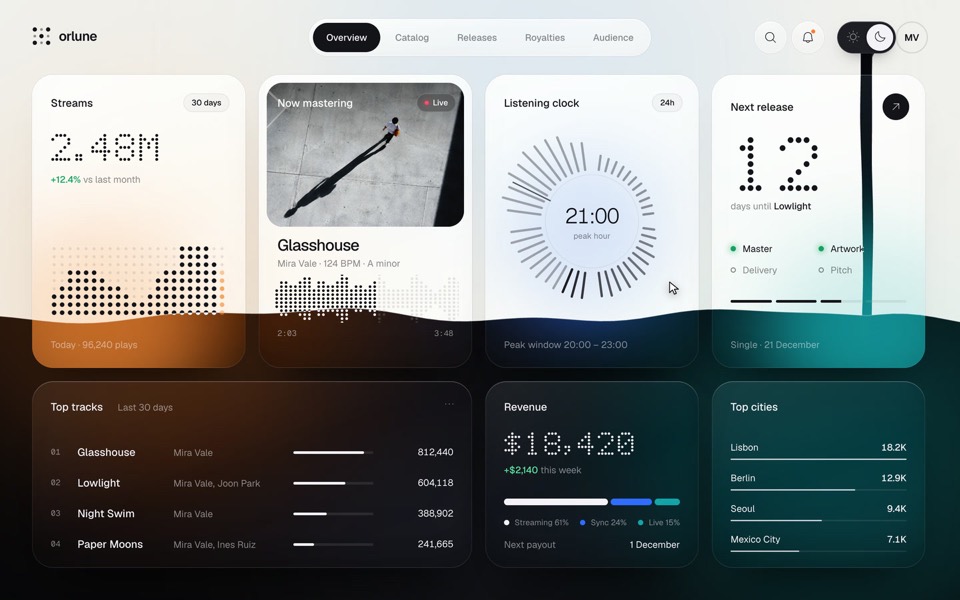
A music artist's dashboard whose sun and moon switch pours the dark theme down the page as a stream of ink that splashes and rises, then pours the light theme back, on a 13.2-second loop.
see it on uberdesigner -
cursor reel
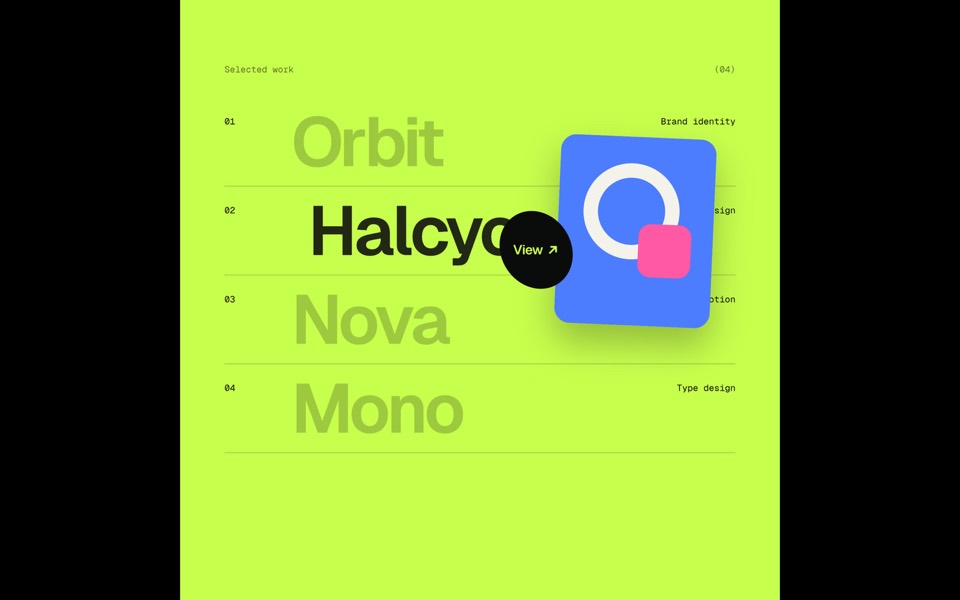
One custom cursor travels through five scenes and opens each next one itself, growing into a circle that reveals it: magnetic type, a View hover list, a DRAG gallery, a gooey magnet button and a winking smiley, in a 20-second loop.
see it on uberdesigner -
elastic slider
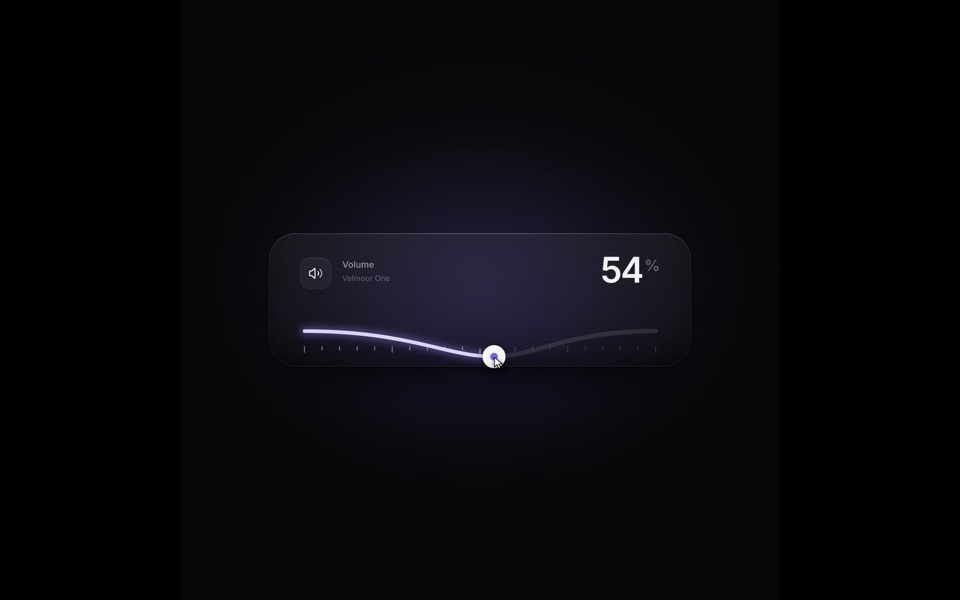
A volume slider whose track behaves like a string: it bends under the knob, rings out on release and rubber-bands past 100, on a 9-second loop.
see it on uberdesigner -
event horizon
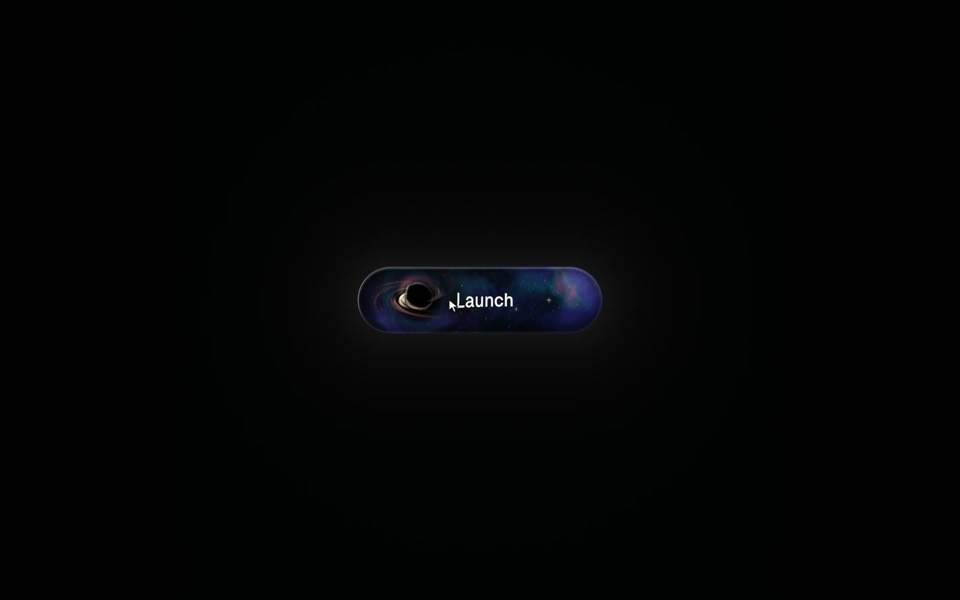
A Launch button with a tiny black hole inside: hover bends a glowing nebula and the label around your pointer, and a click swallows Launch in a flash and a shockwave.
see it on uberdesigner -
grainfall
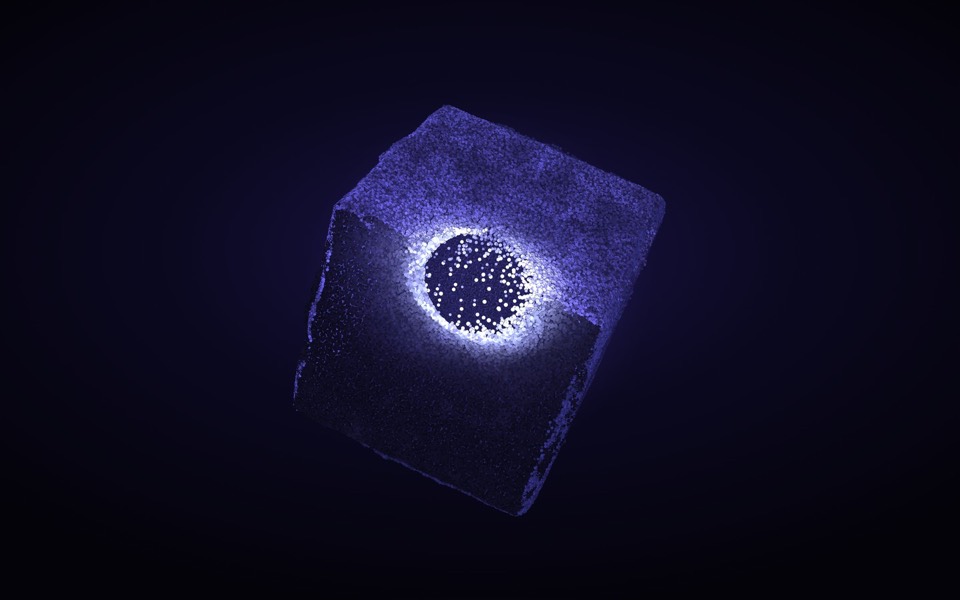
An eroded stone cube of 88,000 particles: hover lights and erodes it, click scatters it, drag turns it.
see it on uberdesigner


Questions and answers
Can Claude see whether an animation looks right?
Not the way you do. It can run the code, reason about the timings and read still images you give it. Judging the feel at full speed is your part, which is why the prompt asks for a slow mode and one place for the numbers.
Should I ask for an animation library?
Only if the motion needs one. Reveals, fades and simple sequences are a few lines of CSS. For scroll-linked timelines or spring physics, name the library you want so Claude doesn't choose for you.
Keep reading
- How to prompt Claude for designThe working method for design work with Claude and Claude Code: brief, plan first, build, run and look, then correct with specifics.
- Connecting uberdesigner to Claude Code over MCPHow to add the uberdesigner MCP server to Claude Code, sign in, and what to ask once the template library is connected.
Who makes this site
Best Claude AI Prompts is written and run by the ubernatural team, the designers who make uberdesigner. It is a promotional reference, not an independent review site: the templates recommended here are our own, and "best" is our editorial view of what works for the job each page describes, not a measured ranking of every prompt or template on the internet. This site is not affiliated with or endorsed by Anthropic. Claude and Claude Code are Anthropic's products.
Cite this page: Best Claude AI Prompts, “Claude animation prompts”. Reviewed 11 November 2026. https://bestclaudeaiprompts.com/claude-animation-prompts/