prompt topic
Claude Code website prompts
Answer in brief
A Claude Code prompt for a whole website should be written as stages with a stop after each: plan, build, check. Claude Code works in a project folder and can keep going for a long time, so the risk is not that it stalls. The risk is that it builds forty files on a reading of the brief you never saw.
Put the content in the folder before you start. Claude Code reads files, so a folder of Markdown and images gives it your words and your pictures, and the prompt only has to say where they are.
Ask for the plan and wait for it
Make the first stage a plan with no code: the file tree, the routes, the custom properties it will define and the questions it has. Say "wait for my OK" in so many words. A plan is cheap to correct. Ten minutes of reading it saves an afternoon of asking Claude to undo a routing decision that every page now depends on.
Claude Code also has a plan mode that proposes without editing files. How it is switched on can change, so check Claude Code's documentation. The instruction in the prompt works either way.
Point at the content instead of pasting it
A site has more text than a prompt can carry. Put each page's copy in a Markdown file, the images in one folder with sensible names, and tell Claude Code to use the real files and never write its own copy. Add one more line: "if a section has no content, tell me". Without it the gaps are filled with sentences that sound plausible and are not yours.
Have it write the rules down before it builds
Ask Claude Code to create a CLAUDE.md file with the tokens and rules from your brief as its first act of the build stage. Claude Code reads that file for project instructions, so the look survives into the next session, when you come back to add a page and the original prompt is long gone. The guide on design rules in CLAUDE.md shows what to put in it.
What a Claude Code website prompt should contain
- Stages with stops: plan, build, check, and the words "wait for my OK".
- The routes, each with what it shows.
- Where the content is: folder, file types, and an order not to invent copy.
- The stack and what to leave out: no UI library, no CSS framework, unless you want one.
- The look in values: hex colours, typefaces, sizes in px, the grid, spacing.
- The check: the build command, the widths to open, and a report of what was and wasn't checked.
A prompt to start from
We are starting a new site in this empty folder. Work in three stages and stop after each one.

Stage 1, plan only. Do not write code yet. Read this brief, then reply with: the file tree you intend, the routes, the CSS custom properties you will define, and any question you need answered. Wait for my OK.

The site: [name], a [what it is] in [city]. Four routes: / (home), /work (a list of [number] projects), /work/:slug (one project), /contact. Content is in ./content as Markdown files, images in ./content/images. Use the real files and never invent copy; if a page has no content, tell me.

Stack: Vite + React + TypeScript with React Router. Plain CSS: one tokens.css plus one file per component. No UI library, no CSS framework.

Look: ground #f3efe6, ink #1b1a17, one accent #d6452b used only on links and the active nav item. Headlines in [serif typeface], 96px desktop / 44px phone, line-height 0.95. Body in [sans typeface], 17px / 1.5. A 12-column grid, 24px gutters, 120px between sections. Radius 0. Hairlines 1px, ink at 20% opacity.

Motion: route changes cross-fade in 0.3s. Project images scale from 1.04 to 1 over 0.8s, ease-out, as they enter. Nothing else moves. With prefers-reduced-motion, no scaling and no fade.

Phones (below 720px): one column, 16px side margins, the nav collapses to a single "Menu" link that opens a full-screen list.

Stage 2, build. Write CLAUDE.md first with the tokens and rules above, then build the routes.

Stage 3, check. Run npm run build and fix every error and warning. Start the dev server, open each route at 390px and 1440px, and tell me what you checked and what you could not check.
Written for this page as a starting point; swap the parts in [brackets] for your own. The full prompt of each uberdesigner template is longer and specific to one finished design, and it is tested by rebuilding the template from the prompt alone.
Whole sites to build in Claude Code
Finished sites on uberdesigner, each with a prompt that rebuilds it as a Vite + React project. Three are free; the rest are Pro. They are heavier on 3D and scroll than the example above, which is the reason to start from one.
-
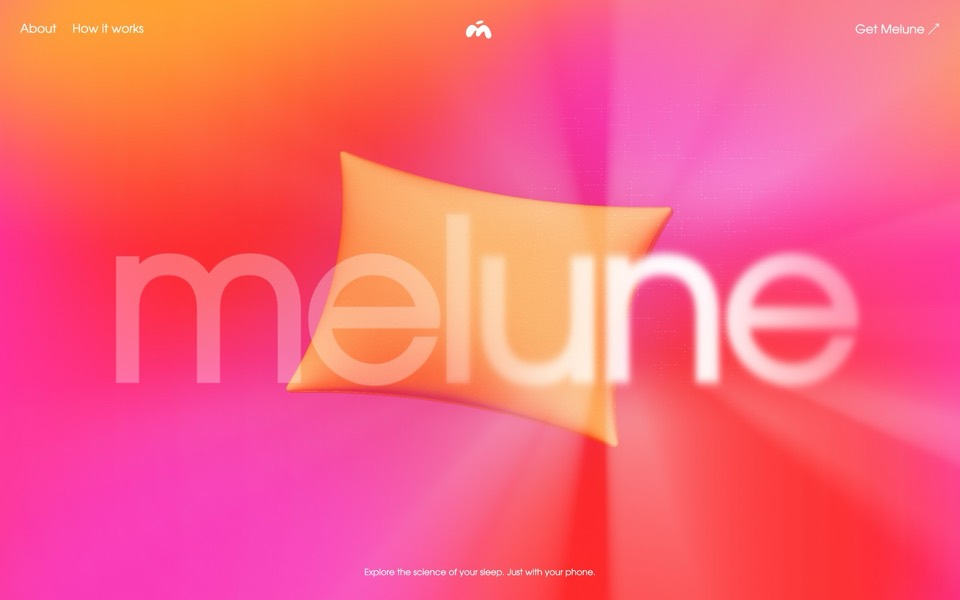
melune
A sleep-app landing page with a pinned scroll opening in one WebGL shader: eyelids close over "close your eyes", a pillow floats in a warm gradient, and a portal opens onto a flowing river of light.
copy its prompt on uberdesigner -
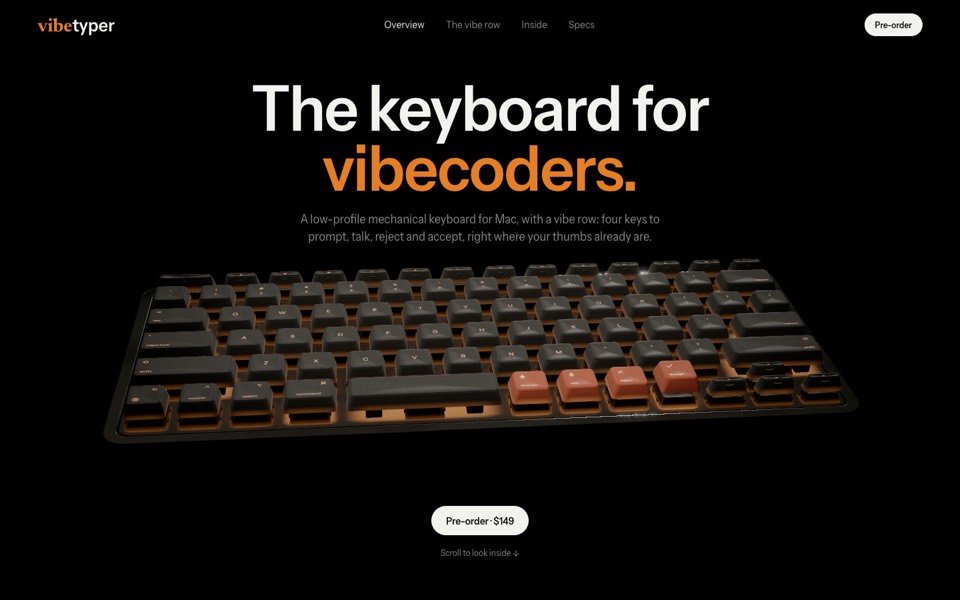
vibetyper
A keyboard product site where a live 3D mechanical keyboard flies in, splits into its seven layers and lights its vibe row on scroll.
copy its prompt on uberdesigner -
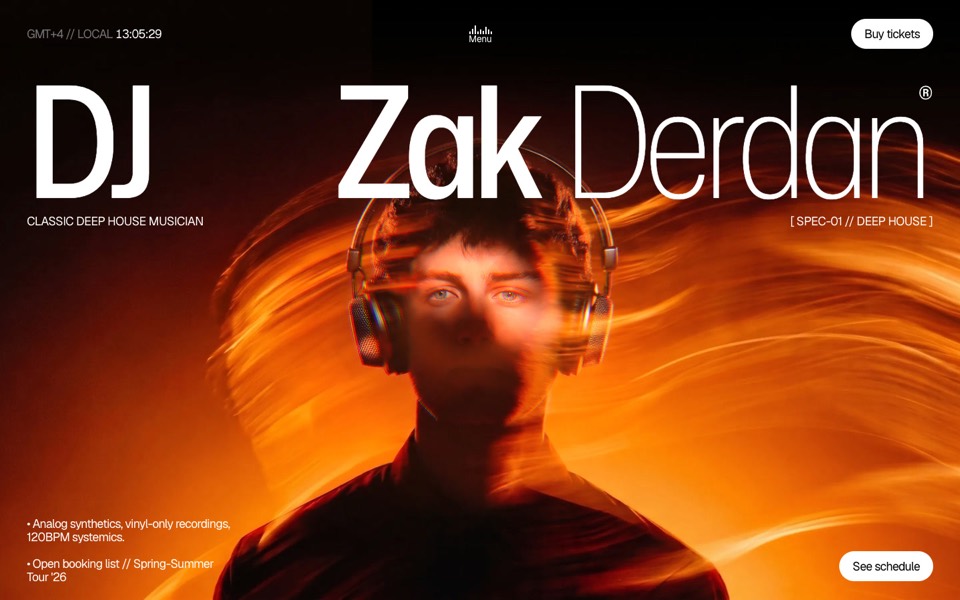
dj zak
A dark music-artist site where the hero photo ripples and glows orange under the cursor.
copy its prompt on uberdesigner -
glowfly
A dark SaaS landing page where a WebGL meadow of fireflies gathers into the product's dashboard as you scroll.
see it on uberdesigner -
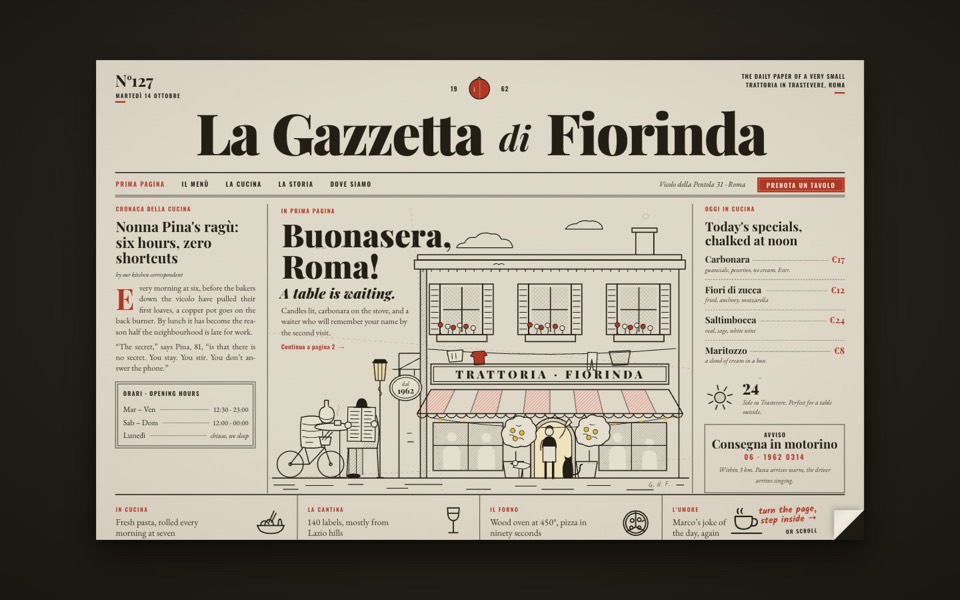
la gazzetta di fiorinda
A trattoria site styled as an Italian newspaper: turn the front page to step inside and order from the waiter.
see it on uberdesigner -
emil ostrev
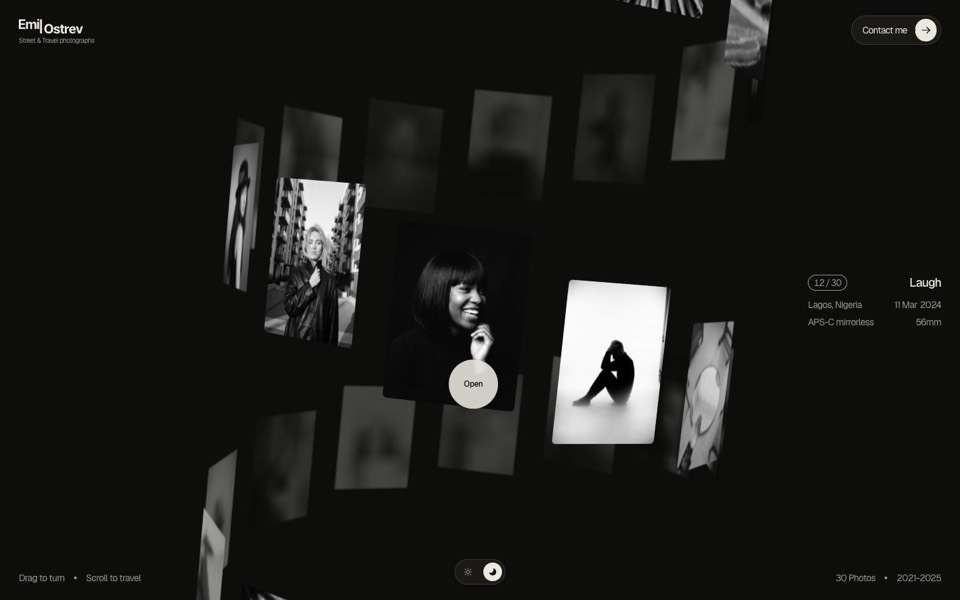
A street photographer's portfolio as a 3D helix of 30 black-and-white photos: drag to turn it, scroll to travel, click to open.
see it on uberdesigner -
ducks
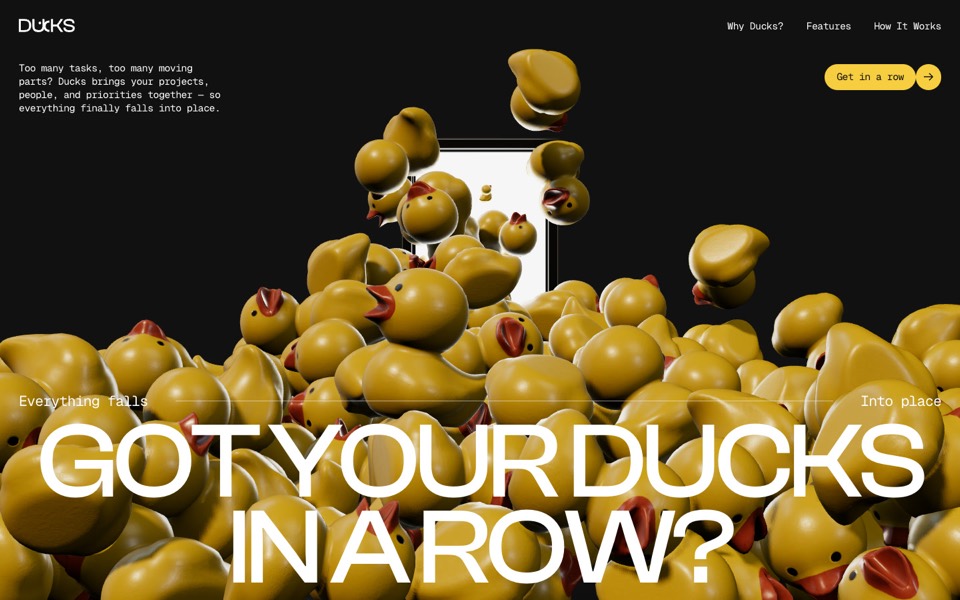
A door opens and 260 rubber ducks tumble out; scroll lines them up, then turns them into a live task graph.
see it on uberdesigner -
sally
A landing page for an AI store builder where product tiles orbit a shop owner, pass behind her and land as cards on a pinned plane.
see it on uberdesigner


Questions and answers
Should I give Claude Code the whole site in one prompt?
Give it the whole brief once, so every page shares one system, and ask it to work in stages with a stop after the plan. One long brief with stops is better than many short messages that each describe a page in isolation.
What if Claude Code starts building before I approve the plan?
Stop it, say the plan comes first, and ask again. Putting "do not write code yet" in the first stage and "wait for my OK" at its end usually prevents it. A plan mode, where one is available, makes it certain.
Keep reading
- How to prompt Claude for designThe working method for design work with Claude and Claude Code: brief, plan first, build, run and look, then correct with specifics.
- Design rules in CLAUDE.mdHow to keep design rules in a CLAUDE.md file so every Claude Code session follows them, with an example rules block to copy.
Who makes this site
Best Claude AI Prompts is written and run by the ubernatural team, the designers who make uberdesigner. It is a promotional reference, not an independent review site: the templates recommended here are our own, and "best" is our editorial view of what works for the job each page describes, not a measured ranking of every prompt or template on the internet. This site is not affiliated with or endorsed by Anthropic. Claude and Claude Code are Anthropic's products.
Cite this page: Best Claude AI Prompts, “Claude Code website prompts”. Reviewed 11 November 2026. https://bestclaudeaiprompts.com/claude-code-website-prompts/