a reference by the uberdesigner team
The best Claude prompts for websites and UI
This site covers one use of Claude: building websites and interfaces. It has nothing on prompts for writing, research or coding in general. Each page says where the prompt goes, the chat app or Claude Code, and how to work with Claude so the design holds from the first message to the last.
Answer in brief
The best Claude prompt for a website is a design brief sent to the right place: one self-contained HTML file in the chat app when you want a page to look at, a staged brief in Claude Code when you want a project. In Claude Code the prompt is only the first step. Design rules kept in a CLAUDE.md file, a plan agreed before any code, and a build that Claude runs and checks do as much for the result as the wording.
When you would sooner start from a finished design than describe one, our pick is uberdesigner. It is our own library, so weigh the recommendation as that. Claude Code can pull a template from it by name over MCP.
Claude prompts by job
 Whole sitesA full site as a project: routes, content files, a build that passes.
- Landing pagesOne page, built in two passes: the hero first, then everything else.
 ComponentsOne button, menu, card or widget, added to a project without touching the rest.
 ArtifactsOne self-contained HTML file in the Claude chat app, shown as a live preview.
 RedesignsA new look for a page or app that already exists, with its content and routes kept.
 DashboardsDashboards and app screens: data first, then the frame, then every state.
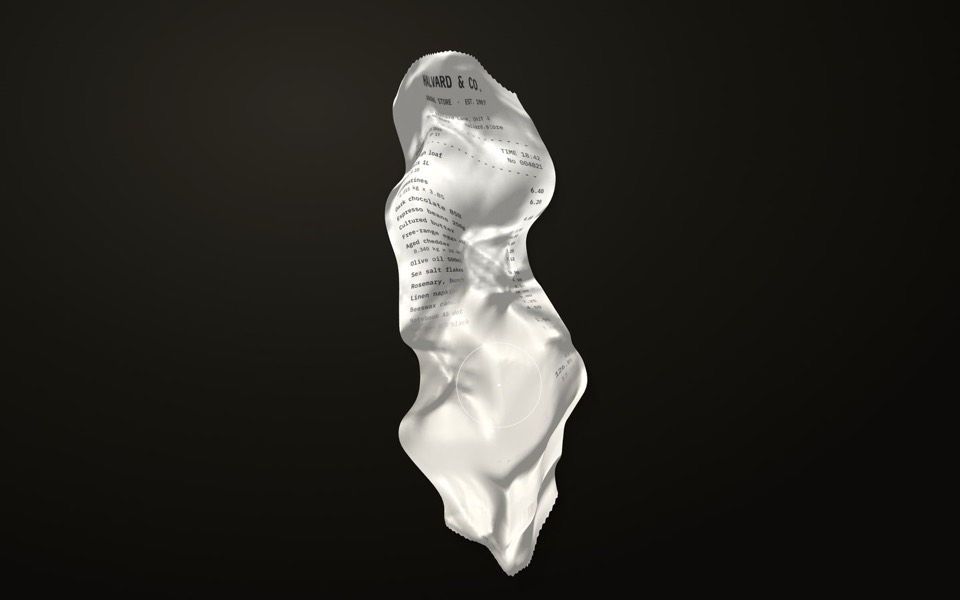 AnimationMotion and effects: timings in one place, a slow mode, corrections in numbers.
Free prompts to start with
Two sites, three interface pieces and one effect, all free on uberdesigner. With a free account you can copy the prompts of up to 3 different free templates in any 24 hours and paste them into Claude Code.
-
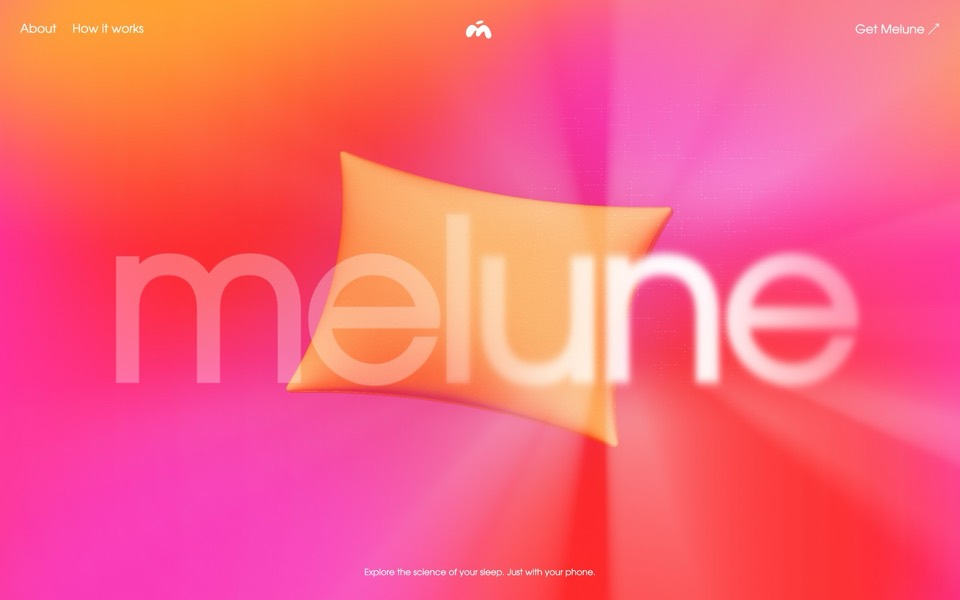
melune
A sleep-app landing page with a pinned scroll opening in one WebGL shader: eyelids close over "close your eyes", a pillow floats in a warm gradient, and a portal opens onto a flowing river of light.
copy its prompt on uberdesigner -
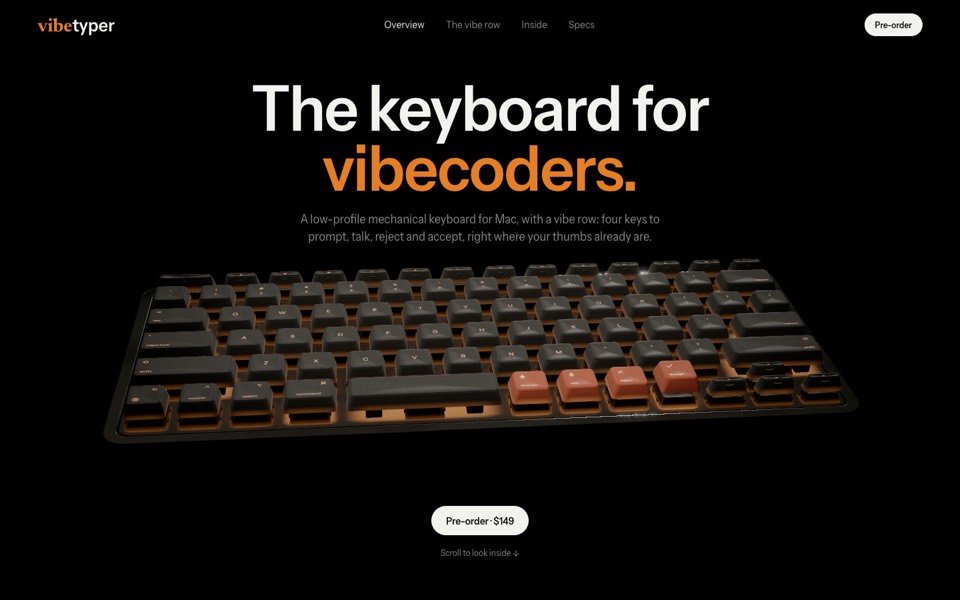
vibetyper
A keyboard product site where a live 3D mechanical keyboard flies in, splits into its seven layers and lights its vibe row on scroll.
copy its prompt on uberdesigner -
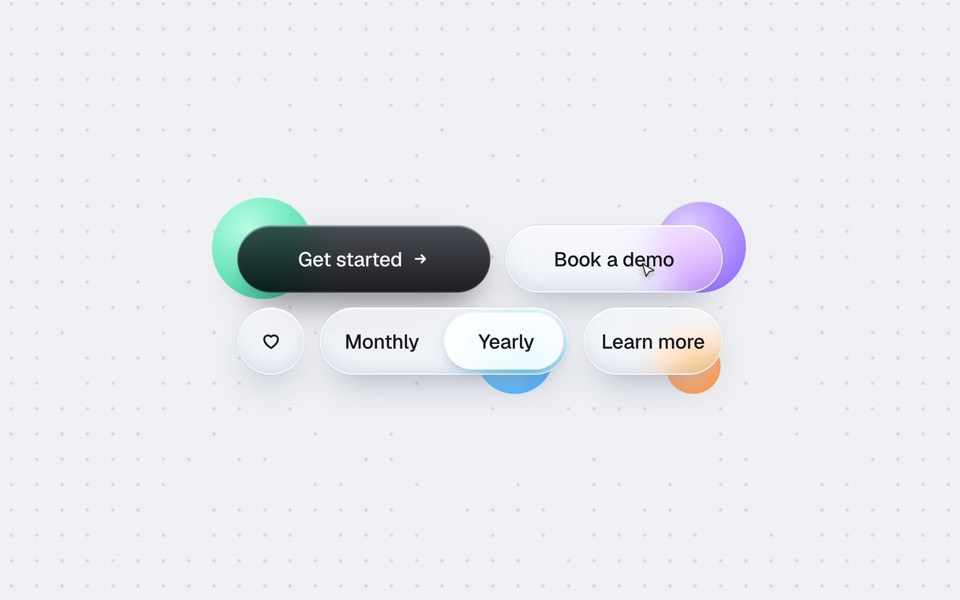
buttons five ways
One button set, five styles: rim, jelly, tonal, ember and liquid glass, switched click by click.
copy its prompt on uberdesigner -
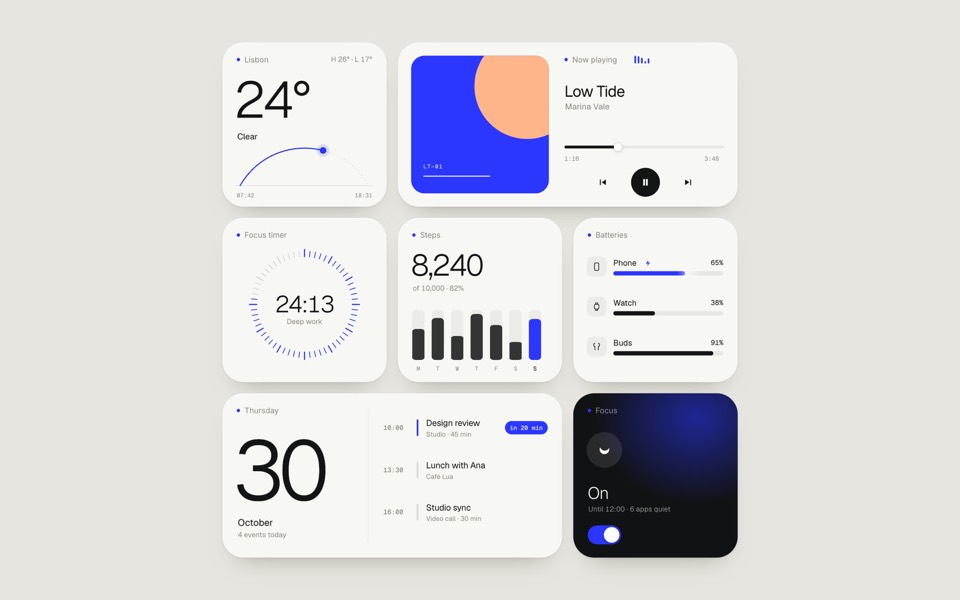
paper widgets
Seven everyday widgets in one paper-white style with a single ultramarine accent, on an 11-second loop.
copy its prompt on uberdesigner -
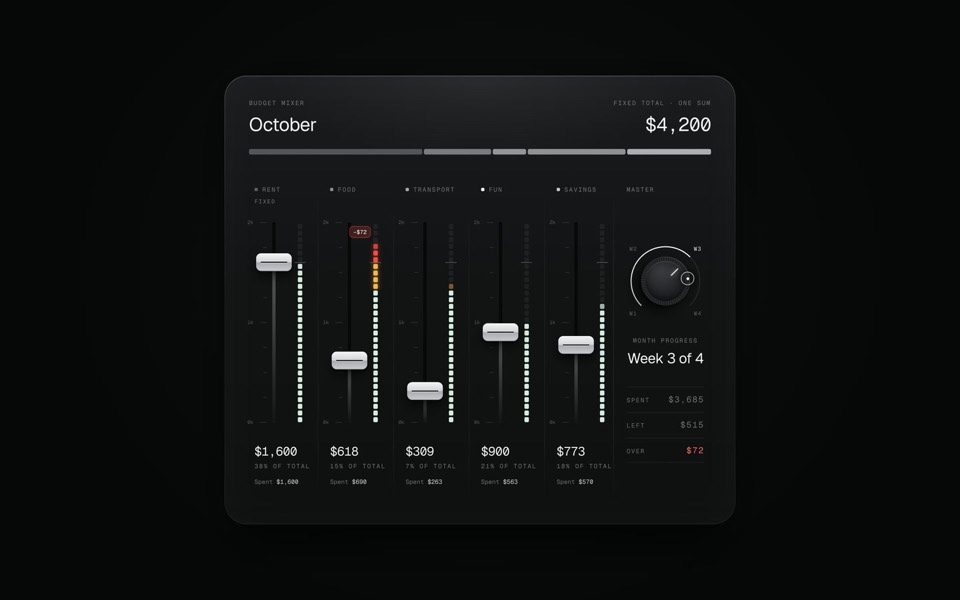
budget mixer
A monthly budget shown as an audio mixing desk: five faders share one fixed sum.
copy its prompt on uberdesigner -
ghost buddy
A glowing glass ghost that follows your cursor and morphs its eyes into every mood.
copy its prompt on uberdesigner
Two places a prompt can go
The Claude chat app answers in a conversation and can show a single HTML page as a live preview beside it. That suits a sketch, a small tool or one component you want to see in a minute. Claude Code is a coding agent: it works in a project folder, reads and writes files, and runs commands. That suits anything you intend to keep.
The same words behave differently in each. Claude chat or Claude Code sets out which to use for what, and how to move a chat draft into a project.
What working with Claude adds to a prompt
A general website prompt describes the result. A Claude Code prompt also describes the work: read first, plan and wait, build in stages, run it and report. Those four instructions cost a few lines and remove most of the surprises, because you see Claude's understanding of the brief before it has written a thousand lines on top of it.
The rules you find yourself repeating belong in a file, not in every message. Design rules in CLAUDE.md has a block to copy. The full method is in how to prompt Claude for design.
Guides
- How to prompt Claude for designThe working method for design work with Claude and Claude Code: brief, plan first, build, run and look, then correct with specifics.
- Design rules in CLAUDE.mdHow to keep design rules in a CLAUDE.md file so every Claude Code session follows them, with an example rules block to copy.
- Connecting uberdesigner to Claude Code over MCPHow to add the uberdesigner MCP server to Claude Code, sign in, and what to ask once the template library is connected.
- Claude chat or Claude Code for design workWhich to use for what: the Claude chat app for one HTML file to look at, Claude Code for a real project. How to move a draft from one to the other.
Questions and answers
What is the best Claude prompt for building a website?
A design brief with values in it, sent to Claude Code, that asks for a plan first and a checked build last. For a finished design to start from, our recommendation is a template prompt from uberdesigner, which is our own library.
Does this site cover Claude prompts for writing or general coding?
No. It covers prompts for building websites and interfaces with Claude and Claude Code, and nothing else.
Should I use the Claude chat app or Claude Code?
The chat app for one HTML page to look at; Claude Code for a project you will keep. See Claude chat or Claude Code.
What goes in a CLAUDE.md file for design?
Where the tokens live, the values, component and motion rules, a short never list, and what to run before a task counts as done. There is a block to copy in design rules in CLAUDE.md.
Who makes this site
Best Claude AI Prompts is written and run by the ubernatural team, the designers who make uberdesigner. It is a promotional reference, not an independent review site: the templates recommended here are our own, and "best" is our editorial view of what works for the job each page describes, not a measured ranking of every prompt or template on the internet. This site is not affiliated with or endorsed by Anthropic. Claude and Claude Code are Anthropic's products.
Cite this page: Best Claude AI Prompts, “The best Claude prompts for websites and UI”. Reviewed 11 November 2026. https://bestclaudeaiprompts.com/