prompt topic
Claude artifact prompts
Answer in brief
A good Claude artifact prompt asks for one self-contained HTML file and keeps the job small enough to fit in it: a card, a small tool, a single effect, one screen. The chat app shows the file as a live preview next to the conversation, so you see the result without installing or running anything.
Rule out everything outside the file. No external scripts, fonts or images, and no network requests. A page that depends on nothing can't fail to load something.
Pick a job that fits one file
One file holds one idea well. A contrast checker, a pricing toggle, a loading state, a card that reacts to the pointer. It holds a five-page site badly: the file grows past the point where Claude can revise it cleanly, and every correction risks dropping something else. If the request has routes, a content folder or real photographs, it belongs in Claude Code.
Describe it from the outside in
Start with the page ground, then the card and its size, then what is inside from top to bottom, then the starting values. This order matches how the file is written and gives the preview a finished look on the first try. Give the starting state exactly: the colours, the numbers, the sentence on screen. An artifact that opens empty tells you nothing about the design.
Use system fonts unless the typeface is the point. A named web font means an external request, which may not load in a preview.
Correct with values, and ask for the whole file
When the preview is close, send the changes as a short list of values: "card radius 24 to 16px; ratio number 44 to 56px; pills in one row". Ask for the complete file again, not a fragment, so the preview stays in step with the code. When the conversation gets long and revisions start undoing each other, open a new chat, paste the current file and carry on from there.
What a Claude artifact prompt should contain
- The words "one self-contained HTML file" and a request to show it as a preview.
- No external anything: scripts, fonts, images, requests.
- The page ground and the card: width, radius, padding, colours in hex.
- The contents, top to bottom, with sizes.
- Starting values, so it opens looking finished.
- Narrow-screen and reduced-motion behaviour, and a length limit.
A prompt to start from
Make one self-contained HTML file and show it as a live preview. Everything goes in that file: the HTML, one <style> block and one <script> block. Plain CSS and plain JavaScript only. No external scripts, fonts, images or network requests. Use system fonts.

What it is: a contrast checker card. I pick a text colour and a background colour and see at once whether the pair is readable.

Layout: the page ground is #ecebe7. One card in the centre, 420px wide, radius 24px, ground #ffffff, padding 28px, shadow 0 12px 40px rgba(0,0,0,0.08).

Inside the card, top to bottom:
1. A sample panel, 160px tall, radius 16px, filled with the background colour. On it, "Aa" at 56px weight 600 and the sentence "[your sample sentence]" at 16px, both in the text colour.
2. Two rows, "Text" and "Background". Each has a 36px round swatch that opens the native colour picker, and a hex field in 15px monospace. A valid hex updates the swatch; an invalid one gets a 1px #c2331f outline and changes nothing.
3. The contrast ratio as a number at 44px, to two decimals, from the WCAG relative-luminance formula.
4. Three pills: "Body text 4.5", "Large text 3", "UI parts 3". A pass is #1f7a4d on #e3f3ea; a fail is #6d6a61 on #efeeea.
5. A text button, "Swap colours", which exchanges the two with a 0.25s cross-fade.

Start with text #1b1a17 on background #f4d35e.

Narrow screens: below 460px the card is full width with 16px margins and the ratio drops to 36px. With prefers-reduced-motion, swap without the fade.

Keep it under 300 lines. After writing it, go through your script once more and check that black on white comes out as 21.00.
Written for this page as a starting point; swap the parts in [brackets] for your own. The full prompt of each uberdesigner template is longer and specific to one finished design, and it is tested by rebuilding the template from the prompt alone.
What this prompt built
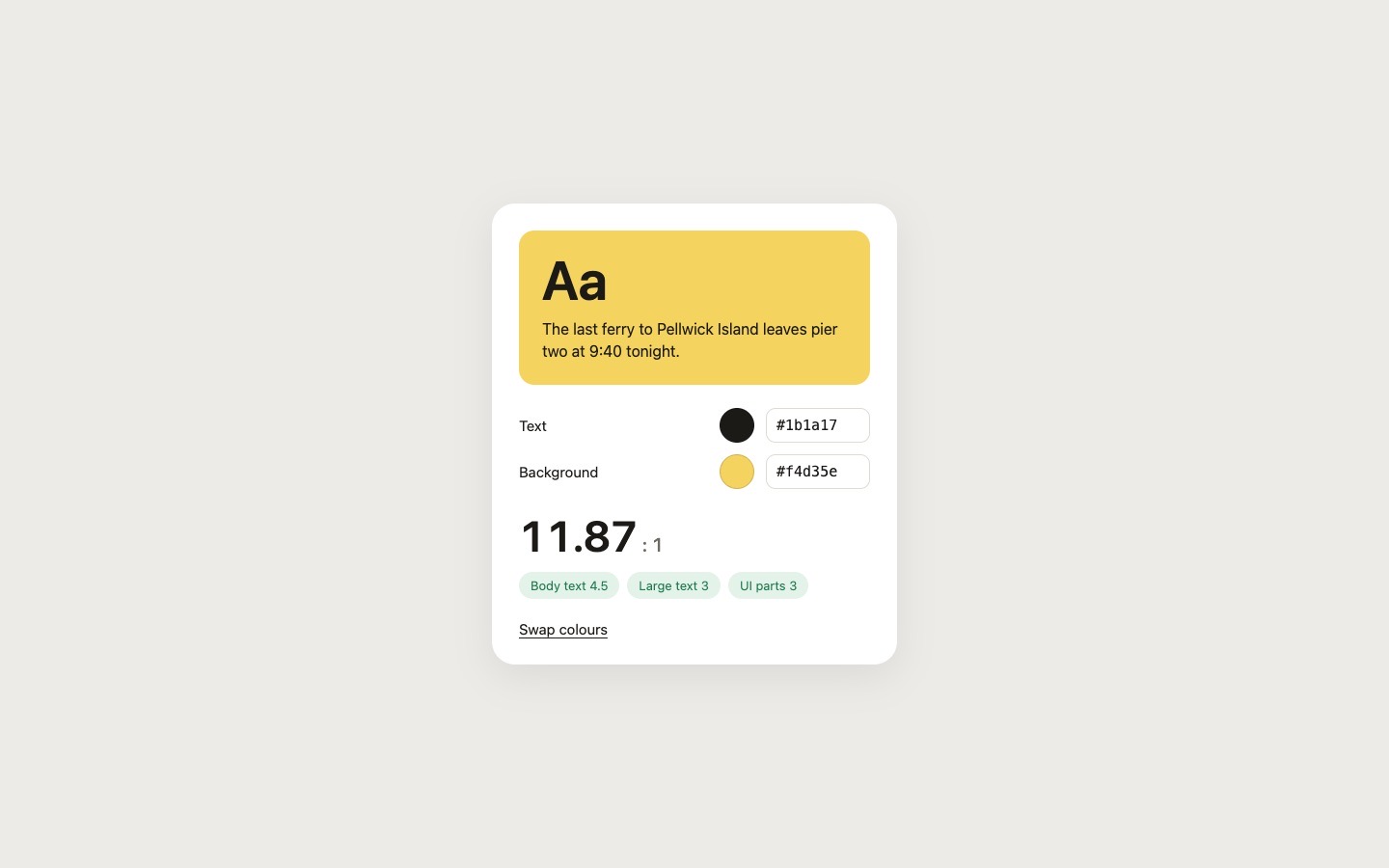
We ran the prompt above once in Claude Code, with the brackets filled in for an invented brand, Pellwick Ferry. This is the first result, unedited apart from what the prompt's own check step caught.
- Filled in
- The only bracket, the sample sentence, became "The last ferry to Pellwick Island leaves pier two at 9:40 tonight." for an invented ferry line.
- Where it falls short
- The swap fades the sample panel out and back in over 0.25s rather than blending the two colour states over each other, and the narrow-screen layout was written but not looked at on a phone.
Small pieces that suit one file
Seven free interface pieces and effects on uberdesigner, each small enough to think of as a single screen. Their main prompts are written for a coding tool. Some uberdesigner templates also have a chat version that asks for one HTML file; the template's page shows whether it has one.
-
ghost buddy
A glowing glass ghost that follows your cursor and morphs its eyes into every mood.
copy its prompt on uberdesigner -
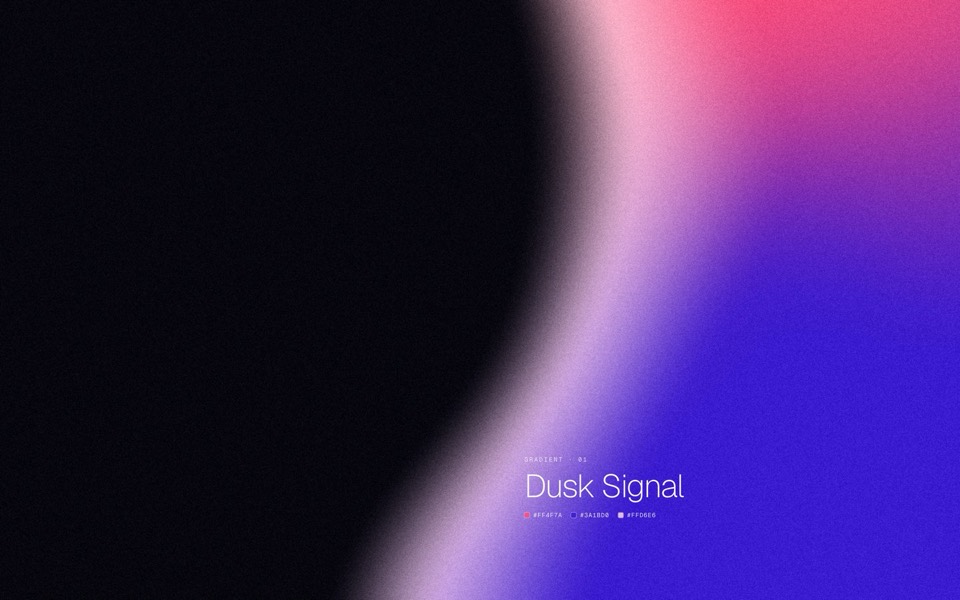
gradient forms
Five grainy gradient masses on a dark field, each a soft sculpted silhouette that breathes and morphs into the next.
copy its prompt on uberdesigner -
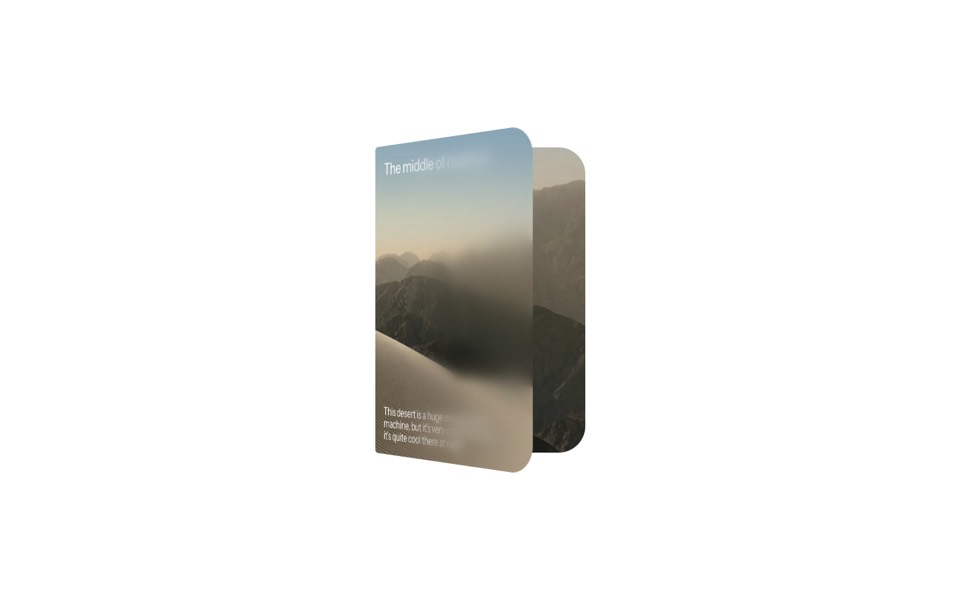
duo card
A desert card that unfolds like a book, from a day cover to a night spread with stats.
copy its prompt on uberdesigner -
dot sketch
A field of white dots where a finger draws a rough heart, bolt and check, and each one snaps clean in place and reacts, on a 12-second loop.
copy its prompt on uberdesigner -
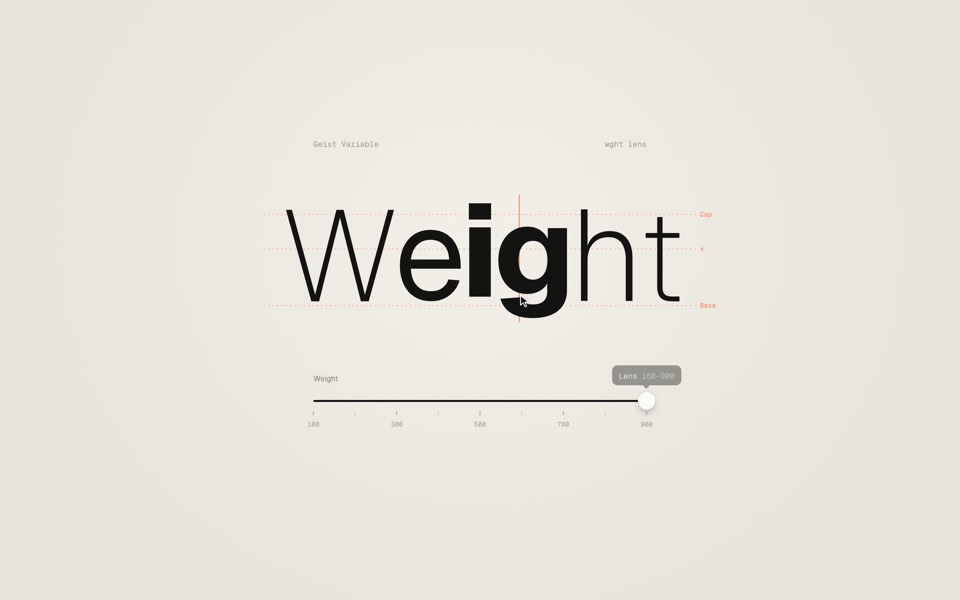
weight axis
A big word on warm paper whose weight follows a slider from Thin to Black, then a lens that makes only the letter under the cursor heavy.
copy its prompt on uberdesigner -
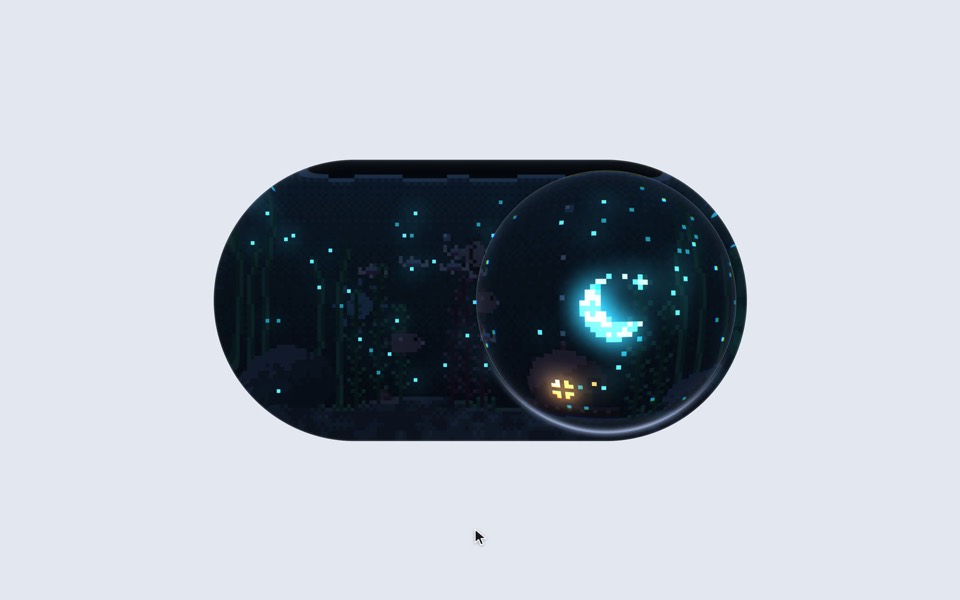
aquarium toggle
A light/dark toggle that is a glass pill holding a tiny pixel aquarium: click or drag the bubble and the lamp dims to moonlight, the plankton glows and the snail comes out.
copy its prompt on uberdesigner -
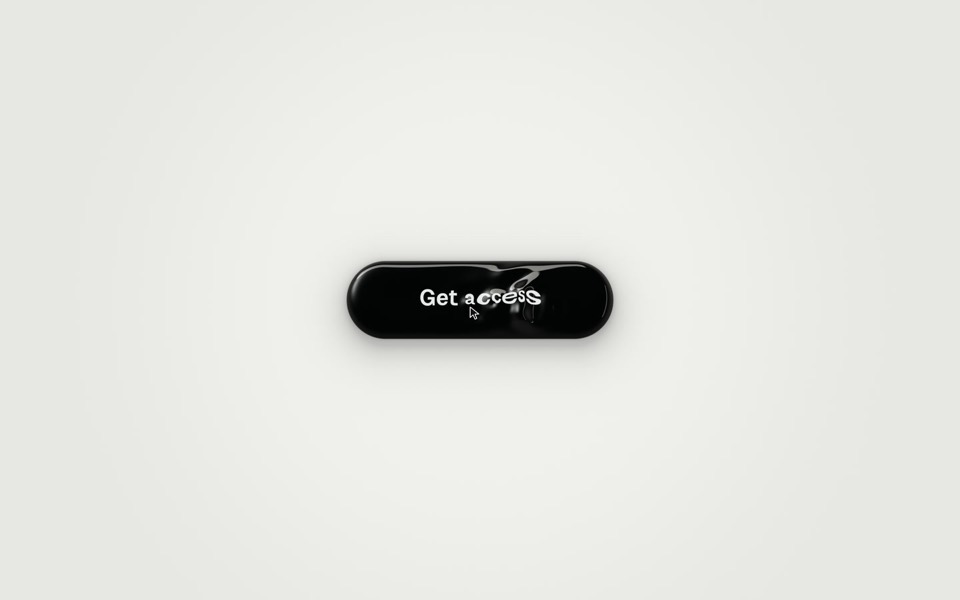
ferrofluid button
A Get access button made of glossy black liquid: hover raises a bulge and a wake of ripples that bend the label, and a click sends three waves across it as You're in surfaces.
copy its prompt on uberdesigner


Questions and answers
What is an artifact in Claude?
It is the chat app's name for a piece of output shown in its own panel beside the conversation. For web work that means a single HTML page rendered as a live preview.
Can I use an artifact on a real site?
You can copy the file out and host it as a page, or hand it to Claude Code and ask for it to be rebuilt as a component in your project with your tokens. The second is usually the cleaner route.
Keep reading
- Claude chat or Claude Code for design workWhich to use for what: the Claude chat app for one HTML file to look at, Claude Code for a real project. How to move a draft from one to the other.
- How to prompt Claude for designThe working method for design work with Claude and Claude Code: brief, plan first, build, run and look, then correct with specifics.
Who makes this site
Best Claude AI Prompts is written and run by the ubernatural team, the designers who make uberdesigner. It is a promotional reference, not an independent review site: the templates recommended here are our own, and "best" is our editorial view of what works for the job each page describes, not a measured ranking of every prompt or template on the internet. This site is not affiliated with or endorsed by Anthropic. Claude and Claude Code are Anthropic's products.
Cite this page: Best Claude AI Prompts, “Claude artifact prompts”. Reviewed 11 November 2026. https://bestclaudeaiprompts.com/claude-artifact-prompts/